Full-color terminal
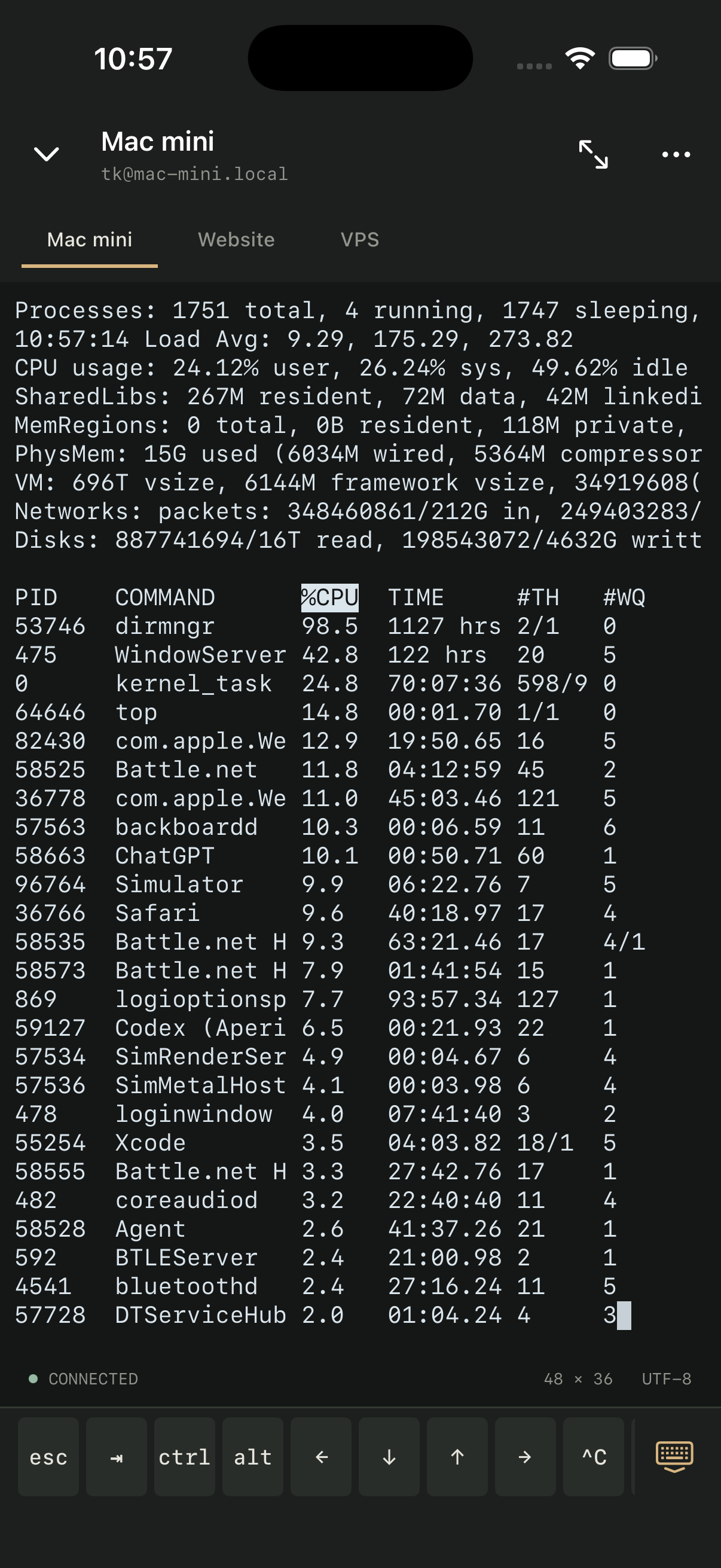
VT/xterm with ANSI, 256-color and true-color output. Choose Carbon, Midnight or Paper and adjust the text size.
 Relay
THE NATIVE SSH CLIENT
A native SSH client for the servers you already run. Save your hosts, switch sessions, and keep credentials on your device.
iOS & iPadOS 17+ No Relay account
Direct SSHYour device to your server
Native on iOSBuilt for iPhone and iPad
Local workspaceNo Relay cloud or account
AT THE COMMAND LINE
Esc, Tab, Ctrl, Alt and arrows, right where you need them. Use a hardware keyboard, rotate to landscape, or enter focus mode for more room.
VT/xterm with ANSI, 256-color and true-color output. Choose Carbon, Midnight or Paper and adjust the text size.
Keep several SSH connections open. Switch terminals or minimize a session without closing it.
Attach to a per-host tmux session after login. Remote programs can survive a disconnect, even when the network connection doesn’t.
tmux must be installed on your server. iOS may suspend SSH while Relay is in the background.
HOSTS, KEYS & COMMANDS
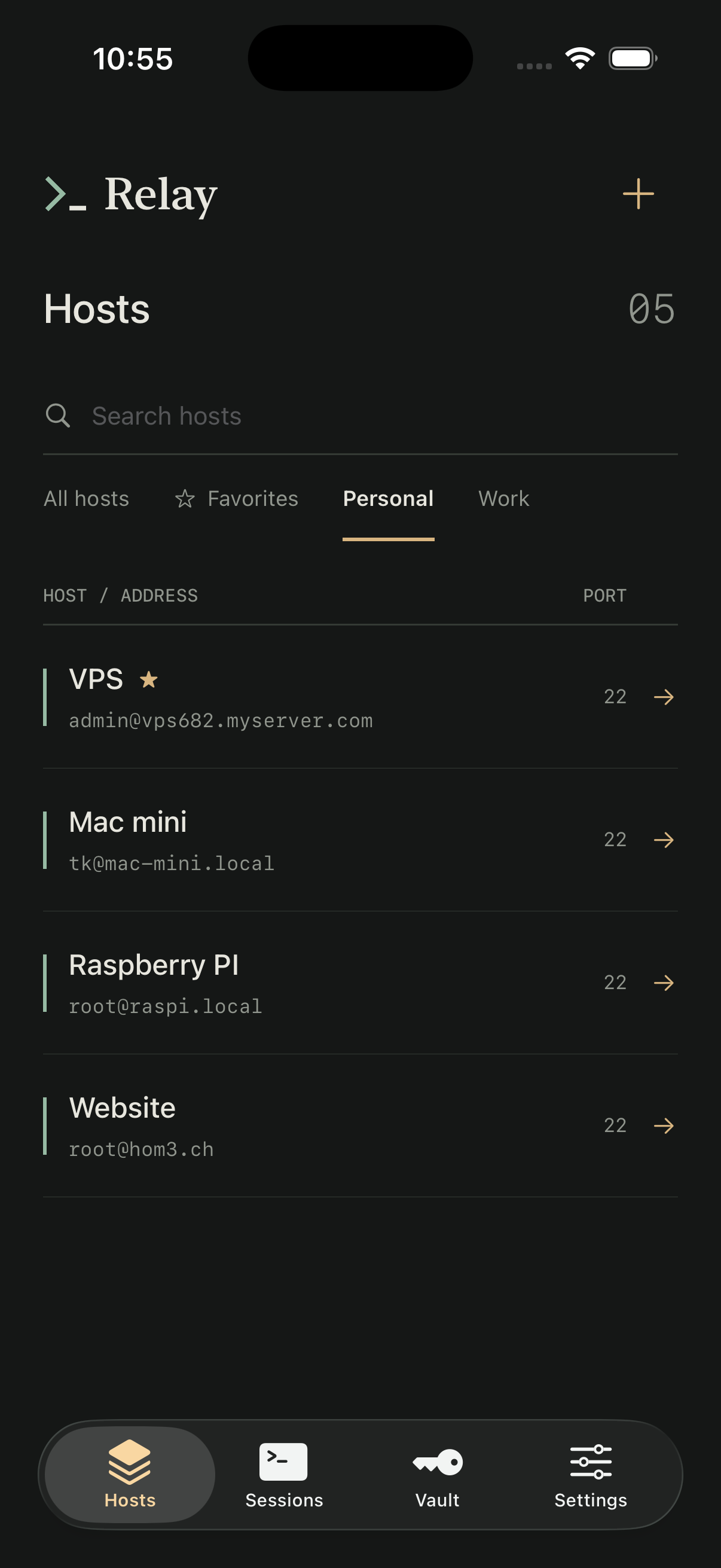
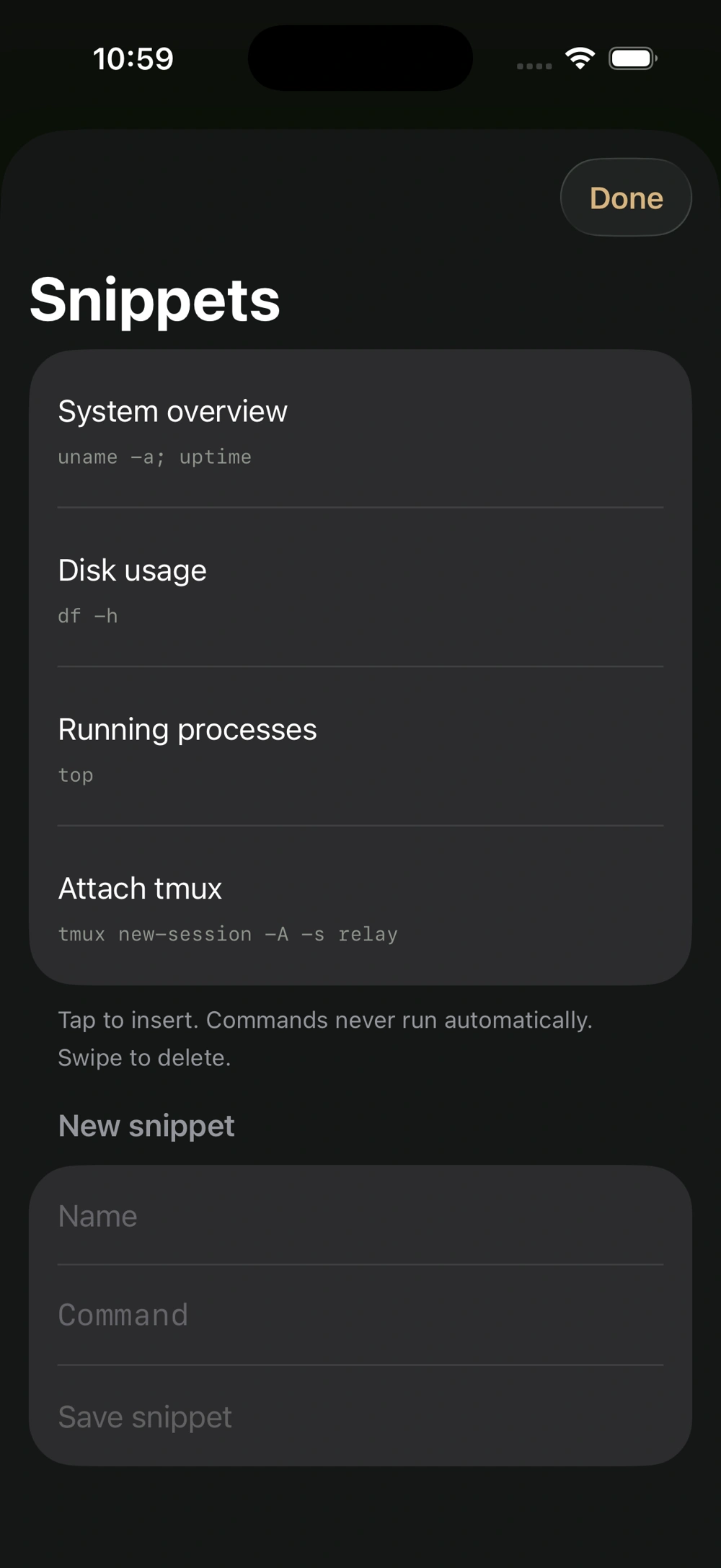
Keep your everyday connections in one place. Group and favorite hosts, save custom ports, and find a server by name or address.
Ed25519 is recommended. RSA uses legacy ssh-rsa signatures and may be rejected by modern servers.
Original app screenshot · View full screenshot ↗
LOCAL BY DESIGN
Relay connects directly to the SSH servers you choose. There’s no intermediary Relay service, credential sync or built-in analytics.
How Relay handles your dataYou’ll need iOS or iPadOS 17+, a reachable SSH server and valid credentials. Workspace metadata and trusted host keys may enter device backups; device-only Keychain secrets won’t transfer to a new device.
Relay does not include SFTP, Mosh, jump hosts, port forwarding, agent forwarding, SSH config import, cloud sync or keyboard-interactive/2FA.
Setup & compatibility